Does this happen to you? Everything is perfectly centered until you hide a few layers:
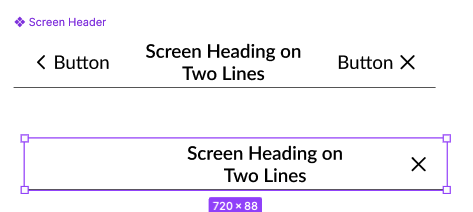
In my case it’s the heading that isn’t centered anymore.
How to center stuff
You could center this component instance manually or god forbid detach it but you wouldn’t do that, would you?!

What if I tell you there is a way to build the centering into the main component?
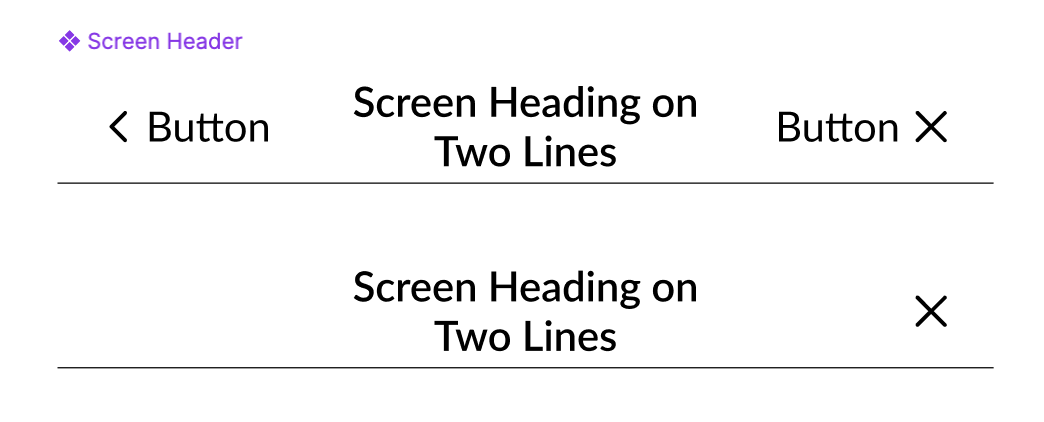
How to keep things centered
1. Wrap the heading in a frame
Set the autolayout to Hug in width and height. Set the alignment to “center”.

2. Use autolayout for the parent container
Apply autolayout to the parent frame that contains the screen heading and other elements.

3. Use fill container for other layers
Make sure the other layers (buttons, content) have the autolayout resizing set to “fill”.
